Latch: The Next.js Website Template for Game Server Hosting Companies
Latch is a premium Next.js 16 website template built for game hosting, VPS, and dedicated server businesses. 15+ pages, config-based setup, 95+ Lighthouse score. Launch your hosting site in hours.

Author
Yuvraj Verma
Technical Content Creator | M.E. CSE student focused on Cloud Computing
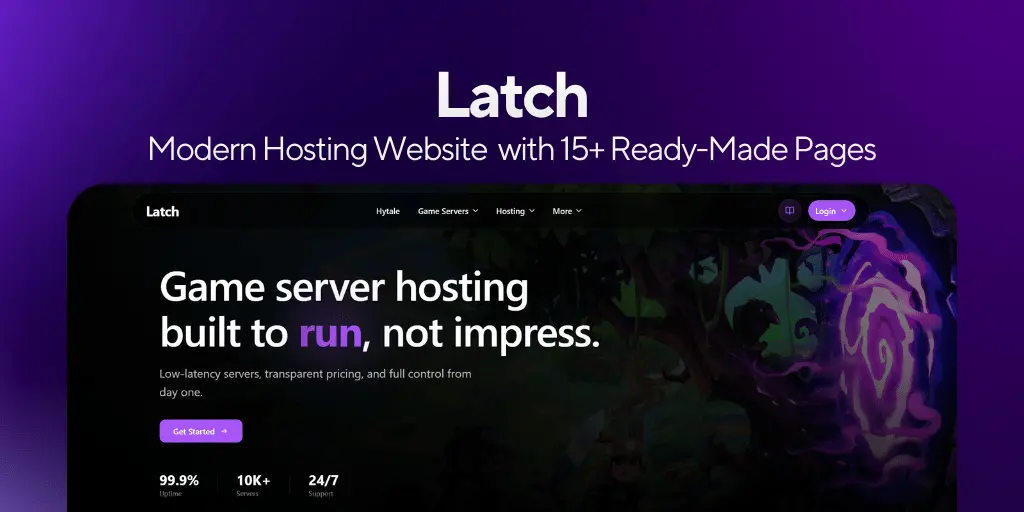
You spent weeks setting up Pterodactyl. Got the nodes running. Picked your games. Configured DDoS protection.
Then you needed a website and ended up with something that looks like a school project.
That is the gap Latch fills.
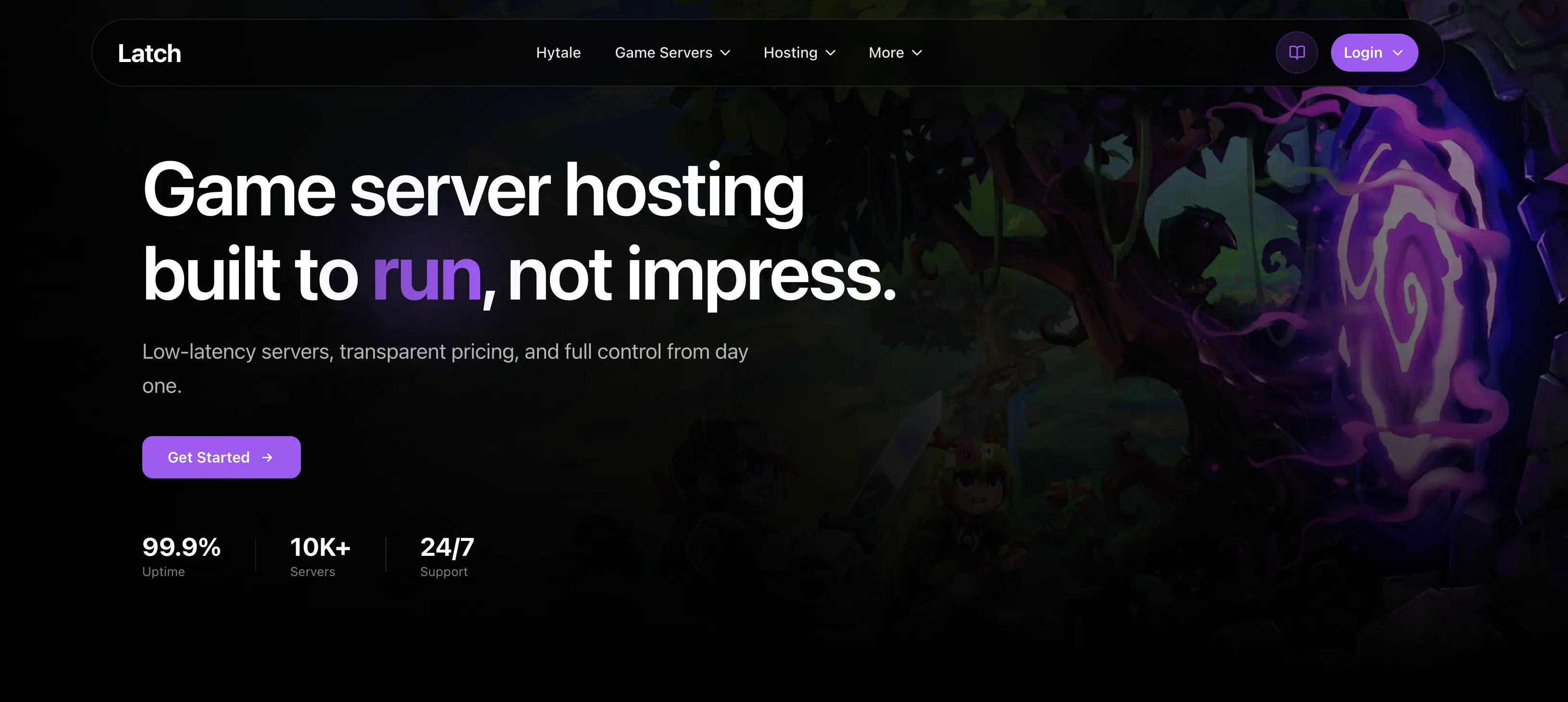
Latch is a Next.js 16 website template built from the ground up for game server hosting, VPS, dedicated server, and web hosting businesses. Not a generic SaaS template with the word "hosting" dropped in. Built for this exact use case, with the pages, structure, and layout that hosting companies actually need.
Exclusive Discount
Use code 653651-latch10 at checkout for 10% off. Only through this link: builtbybit.com/resources/latch-modern-hosting-website.89978
What Is Inside
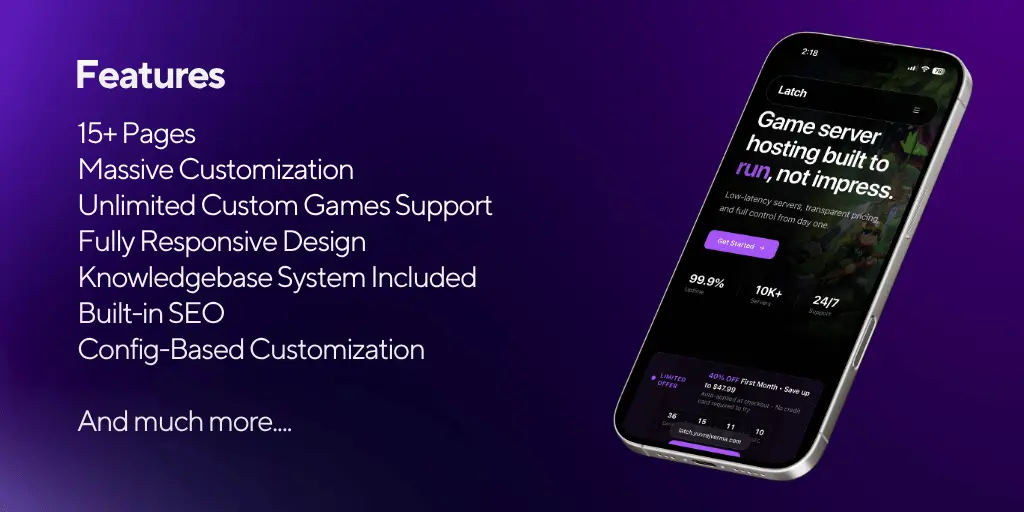
15+ Pages Ready on Day One
No building from scratch. Every page your hosting business needs is already there.
Main pages: Home, About, FAQ, Partner Program, Jobs, Contact, Changelogs
Hosting pages: Game Hosting, VPS Hosting, Web Hosting, Dedicated Servers
Dynamic pages: Individual game pages (Minecraft and Hytale included, unlimited more via config), Knowledgebase pages
Legal pages: Terms and Conditions, Privacy Policy
Config-Based Everything
Most templates make you dig through components every time you want to change something. Latch works differently.
Your company name, logo, colors, pricing plans, server locations, game list, social links — all controlled from config files. Change your plan price in one place and it updates everywhere it appears on the site. Add a new game page by duplicating one config object.
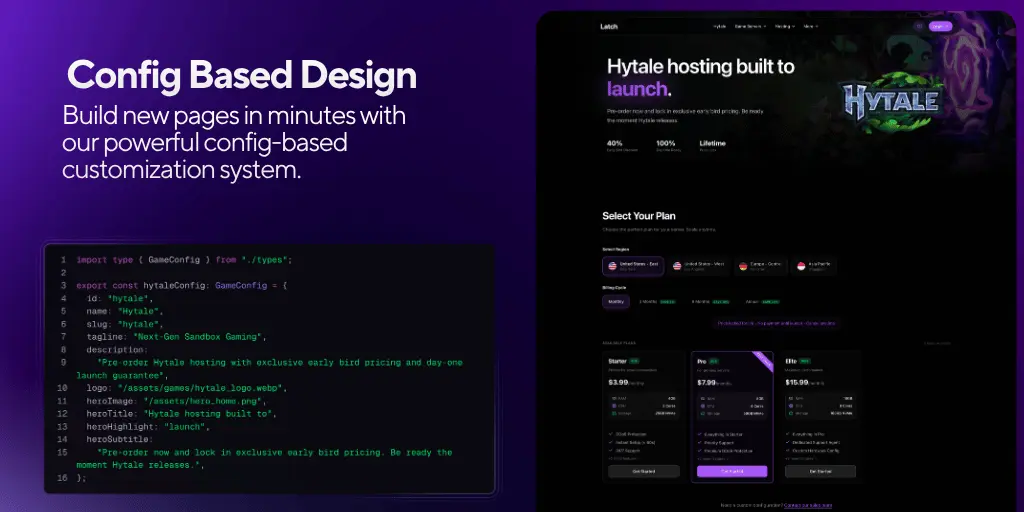
No hunting through JSX to find a hardcoded string. No breaking something while trying to update pricing. Just config files that do what they say.
Dynamic Game Pages
This is the feature that separates Latch from generic hosting templates.
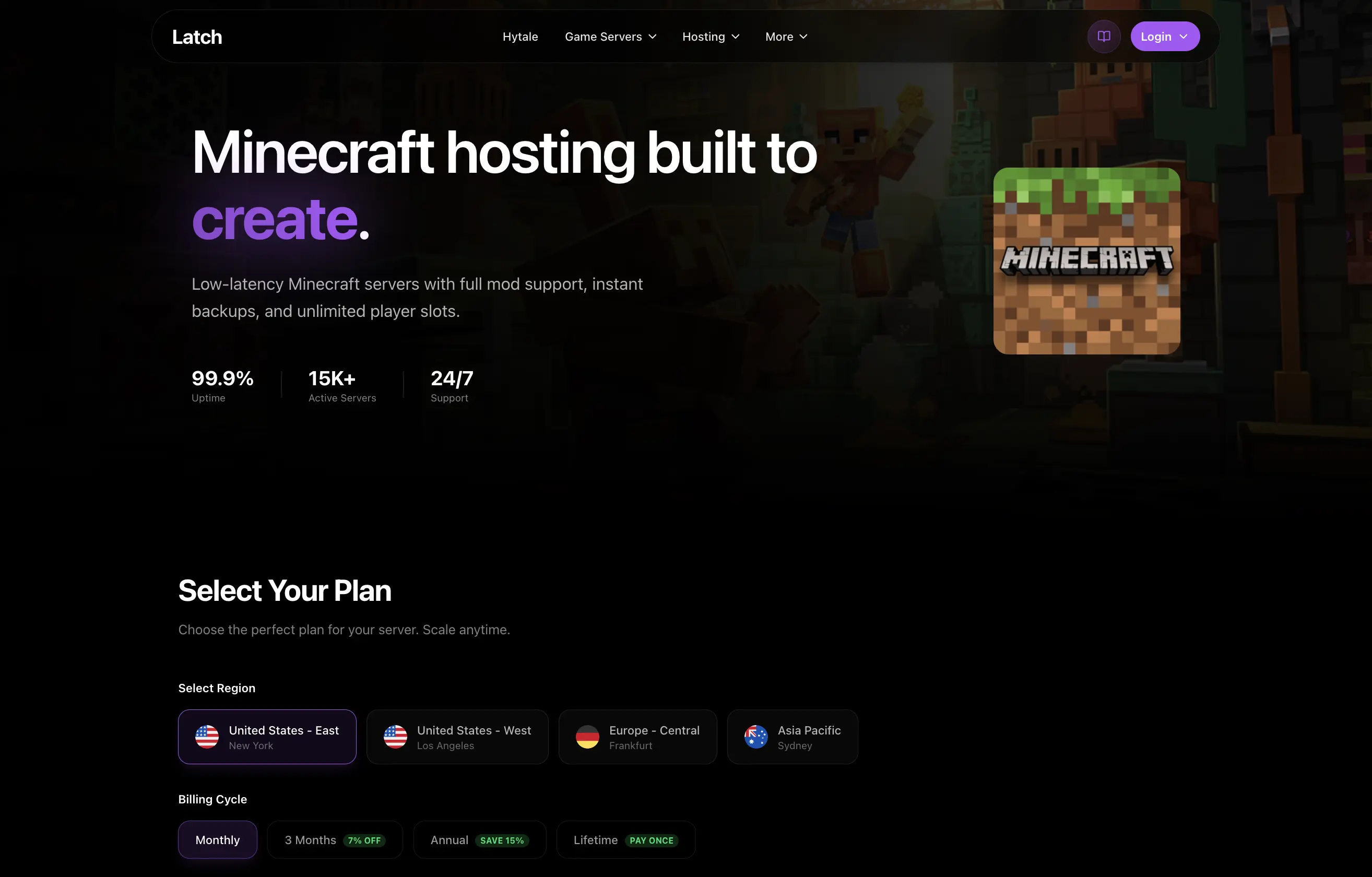
Every game you support gets its own page. Dedicated layout. Game-specific specs and features. Proper SEO structure so your Minecraft hosting page can rank for Minecraft hosting searches and your FiveM page can rank for FiveM hosting searches.
Two sample pages come included: Minecraft and Hytale. Adding Rust, ARK, FiveM, Valheim, or any other game takes about five minutes using the config system.
Fully Responsive
Mobile, tablet, desktop. Everything works at every size without you touching a single media query.
What Latch Covers and What It Does Not
Latch is the website layer: the frontend your customers see before they buy and trust before they stay.
| Layer | What It Does | Tool |
|---|---|---|
| Website | Marketing, trust, conversion | Latch |
| Billing | Payments, client portal | WHMCS / Paymenter |
| Game Panel | Server management | Pterodactyl / Wisp |
| Infrastructure | Physical servers | Hetzner, OVH, etc. |
WHMCS integration and Pterodactyl setup are not part of Latch. They are separate layers. If you need a guide on the full stack from domain to live servers, I have a free step-by-step series on YouTube covering everything:
Start Your Own Game Server Hosting Business (Free Series)
Setup in Four Steps
Full documentation at docs.yuvrajverma.com. Beginner-friendly, covers every part of the setup.
1. Install
npm install
npm run dev
Running locally in under two minutes.
2. Set your branding
Open config/branding.ts. Add your company name, logo, colors, and social links. Done once, updates everywhere.
3. Configure pricing and games
Edit the pricing config for each product. Duplicate the game page config for every game you support.
4. Deploy
vercel deploy
Vercel handles global CDN automatically. Your site is live and fast worldwide.
Why Not Just Build It Yourself
You can. A from-scratch Next.js hosting website done properly takes around 200 to 300 hours if you already know React well. Pricing tables with toggle states, game page layouts, knowledgebase structure, FAQ accordions, mobile navigation, legal templates. Each part takes longer than it looks.
That is months of time that could go toward actually running your hosting business.
Latch starts you at the end of that process. The structure works. You fill in your branding and content.
Who Latch Is For
Good fit if you are:
- Starting a game hosting business and need a professional website fast
- Running an existing hosting company with a site that needs an upgrade
- Targeting Minecraft, FiveM, Rust, VPS, or dedicated server customers
- Comfortable with basic config file editing (no advanced React needed)
Not the right fit if you need a drag-and-drop builder with zero code, or a fully integrated WHMCS panel built into the frontend.
Get Latch
builtbybit.com/resources/latch-modern-hosting-website.89978
Use code 653651-latch10 for 10% off.
Documentation: docs.yuvrajverma.com
Questions: Discord
Written by
Yuvraj Verma
Yuvraj Verma writes practical guides on hosting, monetization, and game server infrastructure.
His content is built to help creators and hosting businesses launch faster with fewer mistakes.
Next articles
Read these next
Pterodactyl Node Capacity: Stop Wasting Game Hosting Resources
A practical capacity planning guide for game server hosting owners using Pterodactyl, covering node limits, resource fragmentation, safe overcommit tests, and monitoring.
Open articleFiveM Server Hosting in 2026: Official Partners Compared
Compare all six authorized FiveM hosting partners in 2026, plus Godlike.host as a budget-friendly FiveM hosting option.
Open articleNodecraft Pro vs Lite: Which Game Server Plan Should You Pick?
A practical Nodecraft Pro vs Nodecraft Lite comparison for Minecraft, Rust, Valheim, Palworld, and casual game servers. Learn when Lite is enough, when Pro is worth it, and what the real tradeoff is.
Open article